
What You Get
You'll leave this workshop with Claude Code installed on your machine, configured for legal work, with 5 commands that handle contract review, NDA triage, vendor due diligence, case briefing, and client response drafting. Everything runs locally. Your data stays on your computer.
You'll also leave with a clear answer to a question most firms never ask: should you build your own AI systems, buy off-the-shelf, or do both?
Program
Part 1: Where Legal AI Actually Is
93% of firms say they're "using AI." 7% have actually implemented it. I'll show you what that gap looks like in practice and where the real opportunities are, using data from Thomson Reuters 2025, Clio Legal Trends, and ILTA.
You'll do a quick self-assessment of where your practice stands today across five areas: tools in use, data ownership, workflow automation, team readiness, and strategic clarity.
Part 2: Build, Buy, or Both
The most expensive mistake in legal tech isn't picking the wrong tool. It's never asking whether you should build instead. For a lot of solo and small firms, configuring open AI tools costs less than a year of most legal SaaS subscriptions. For others, buying makes sense. I'll give you the framework to decide.
You'll use Claude Code to run an actual vendor evaluation: pull public data, check claims, generate a structured analysis. You learn the strategic thinking and the tool at the same time.
Part 3: Claude Code for Your Practice
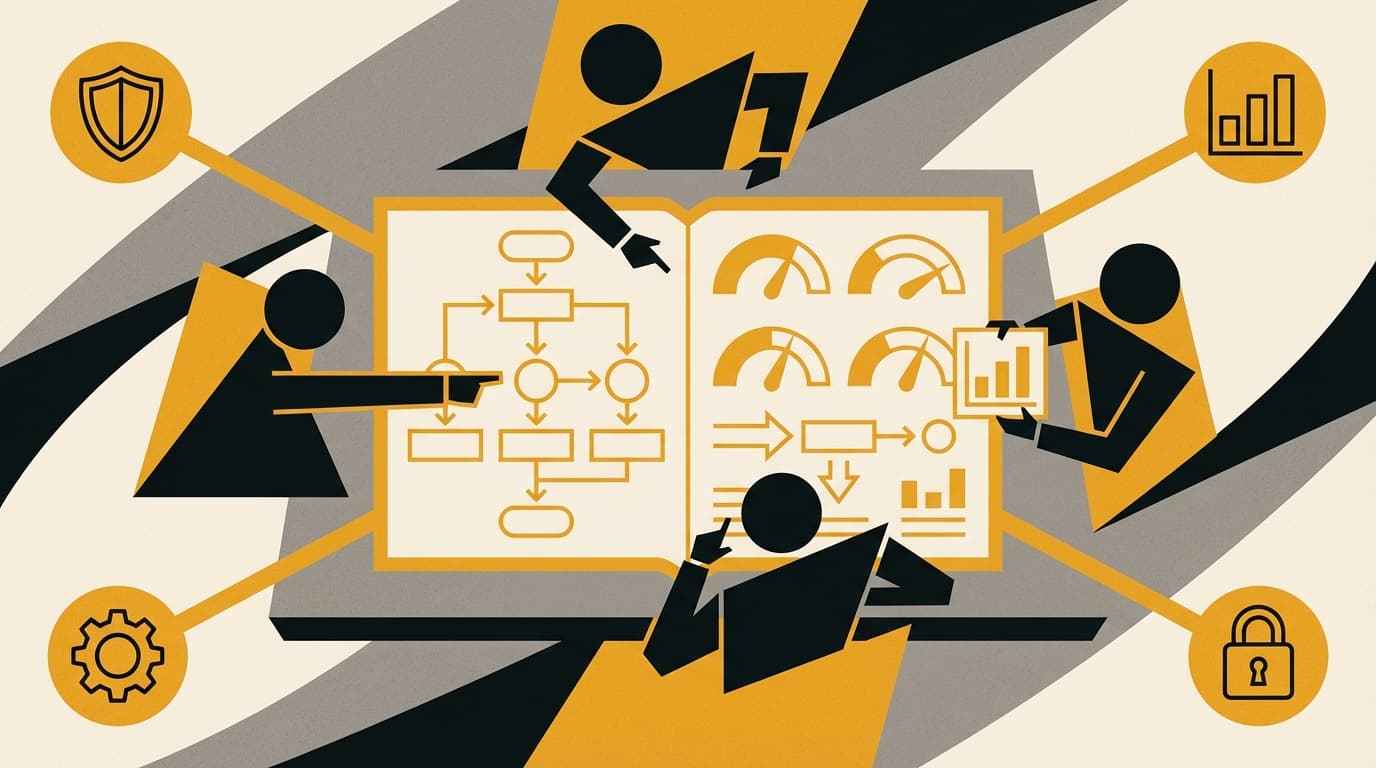
You'll install Claude Code on your laptop (free, from Anthropic, runs locally) and set up your legal playbook: a file called legal.local.md where you define your firm's standards, liability caps, indemnification rules, IP positions, and review criteria.
Then you'll run review-contract against a sample contract. It flags deviations from your standards, suggests redlines, and explains risk in plain language.
Five legal commands are included in your setup:
- ✓
review-contractreviews contracts against your playbook - ✓
triage-ndaclassifies NDAs by risk and complexity - ✓
vendor-checkruns structured vendor due diligence - ✓
briefgenerates case briefings from source documents - ✓
responddrafts client responses in your firm's voice
We do one together in the session. The rest are yours to explore after.
Part 4: Your Business Case
Lawyers bill 2.9 hours per day on average. Firms lose up to 30% of billable time to admin and reporting work that never hits an invoice.
You'll pick one workflow from your practice. We'll calculate what it costs you today and what automation realistically saves. You leave with a one-page business case you can use.
What's Included
- ✓Claude Code installed and configured for legal work
- ✓5 legal AI commands ready to use
- ✓Your legal playbook file (
legal.local.md) - ✓Vendor evaluation template
- ✓ROI calculator for legal billing
- ✓One-page business case template
Prerequisites
Laptop with admin access. No coding experience needed.
Who This Is For
Solo practitioners, small firm lawyers, and anyone in legal who wants to understand how AI works in a law practice. No technical background required.